OBS Setup Help, Fully Remote
Get OBS Working Right the First Time. Without Losing Your Weekend.
You want to stream or record, not spend hours fighting settings, black screens, and audio that won't show up. I'll set up OBS Studio with you over a video call so you walk away recording or live, with settings that actually fit your computer.
Mac or Windows. YouTube, Twitch, Facebook, Rumble, or Kick.
Sound familiar?
You Watched the Tutorials. It Still Isn't Working.
OBS is free and powerful. It's also confusing, because the right settings depend on your exact computer, camera, mic, and platform. Generic tutorials can't see your setup. I can.
Straight from the comments
"I Was About to Give Up on OBS"
Real comments from viewers of my OBS tutorials. This is the feeling I want you to have, just faster and built around your exact setup.
Ways to work together
Pick How Hands-On You Want to Be
Every project starts with a free 20-minute call so I can check your gear and computer before you spend a dime.
Guided OBS Setup
- You share your screen and I walk you through every step
- Camera, mic, and screen capture set up and tested
- Recording or streaming settings tuned to your computer
- A test recording or test stream before we finish
- Session recording plus a written settings summary
Done-For-You OBS Build
- I connect to your computer remotely while you watch
- Full scene build: starting soon, live, screen share, BRB, ending
- Audio cleaned up with filters so you sound pro
- Streaming and recording both configured and tested
- 30-minute walkthrough so you're confident running it
- Your scene collection backed up and sent to you
Advanced Setups
- Streaming to multiple platforms at once
- Bringing remote guests into your stream
- Multi-camera and separate audio tracks
- NDI and church or event setups
See how I teach
Watch Before You Book
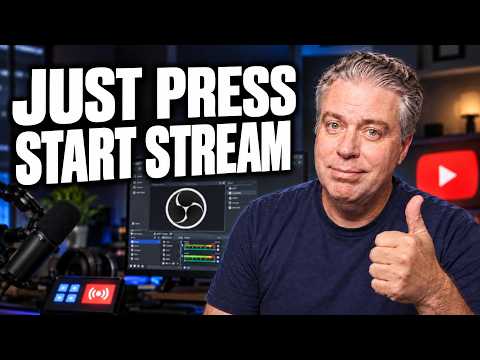
This is the tutorial that started it all. If my teaching style clicks for you here, you'll love working with me one on one.


How it works
Simple From the First Call
- Free 20-minute call. Tell me what you want to do and what gear you have. I'll make sure your computer can handle it before you pay anything.
- Pick your option. I'll recommend the right fit, even if that's "watch this free video first."
- Book your session. Pay up front, pick a time, and I'll send a short checklist so we don't waste time on downloads during the call.
- We get it working. You leave recording or live, with notes so you can do it again tomorrow without me.
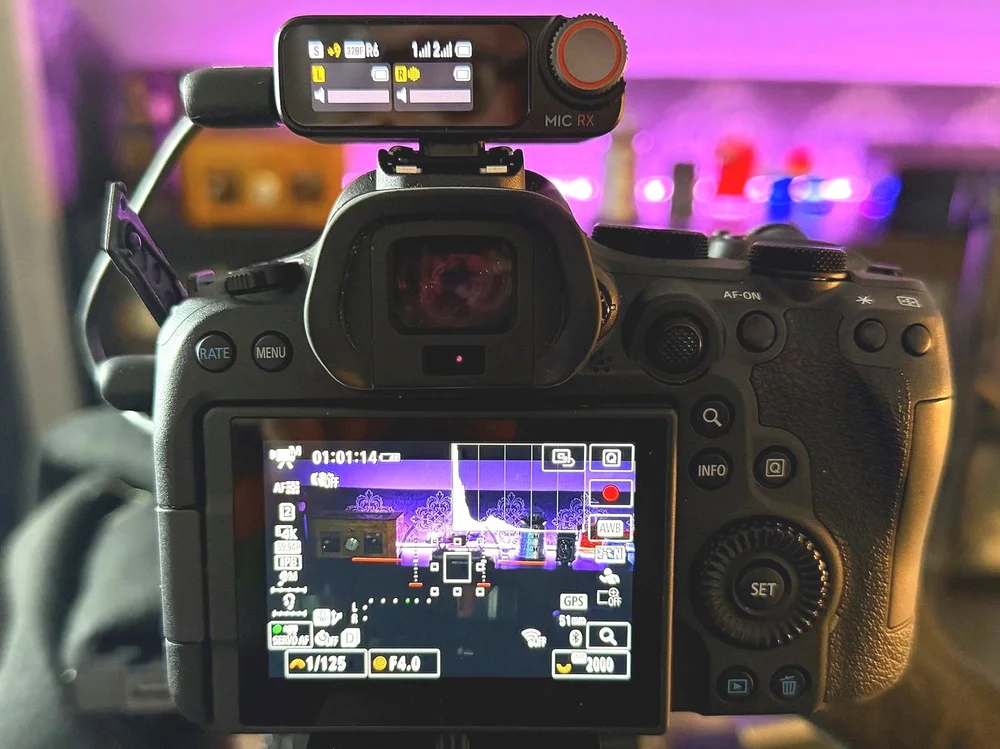
My own studio. I use the same tools I'll help you with.
Who this is for
A Great Fit If...
- You want to start streaming or recording and keep getting stuck
- You'd rather pay once than lose another weekend to settings
- You run a business, church, ministry, or podcast and want video done right
- You want to understand your setup, not just have it handed to you
Probably Not a Fit If...
- You need someone to run your stream live every week (ask me about that separately)
- You're looking for Streamlabs or vMix help. I focus on OBS Studio.
- Your computer is very old. I'll tell you honestly on the free call.
Questions
Frequently Asked Questions
Do you work on Mac and Windows?
Yes. I use OBS on both, and I'll tune your settings for your specific computer and graphics card.
Do I need to buy new gear?
Usually not. Most people can get great results with what they already have. If something is holding you back, I'll tell you on the free call before you spend money.
Will you have access to my computer?
On the Guided Setup, no. You share your screen and do the clicking. On the Done-For-You Build, I connect through a secure remote session that you start, you watch the whole time, and the connection ends when we do.
What if we run out of time?
That's what the free call is for. I scope your setup up front so the session fits. If something unexpected comes up, we'll schedule a short follow-up.
Can you help with streaming to more than one platform?
Yes. That falls under Advanced Setups and gets a custom quote after the free call, since it depends on your platforms and internet connection.
Do you work with people outside Ohio?
Yes. Everything is done remotely, wherever you are.
Let's Get You Live
Book a free 20-minute call. Tell me what you're trying to do, and I'll tell you honestly what it'll take.
Want YouTube to bring in customers for your business, not just get set up? See YouTube Management.
I tried OBS first time and gave up because there was no clarity on sources, scenes, encoders and audio. You are good at explaining this step by step.
You don't simply read a list of settings. You explain what the setting does, and why. Were you a teacher in a previous life?
A very good intro! Recommended from a guy who has used OBS for two years.
I'm new at all of this and I'm in my 60's... You're the only one out there that makes real world sense, and I've learned so much from you.
This is so clear!!! Thank you!! Your work is very helpful.
The update broke everything so I wiped it and started from scratch... thanks for holding my hand through the re-install.